How to Buy a Used Gaming PC in the UK Without Getting Burned (2026)
Advertisement
A used gaming PC can save you 30–50% versus buying new in the UK — but the risks are significantly higher than picking up individual components. Sellers can hide dying drives, cheap power supplies, and thermal nightmares inside a closed case. This guide exists so you never get burned.
According to multiple UK reseller communities, complete pre-built systems are the single most disputed category in second-hand PC sales. The reason is simple: buyers can't see what's inside until it arrives. Whether you're browsing Facebook Marketplace, eBay, or a dedicated platform like Koukan, you need a repeatable process for evaluating a used gaming PC before handing over your money.
If you're looking for guidance on individual parts instead, start with our pillar guide: How to buy used PC parts safely in the UK. For GPU-specific advice, see Buy used GPUs in the UK: safe buying guide. For CPU purchases, our used CPU buying guide covers what to check.
Used gaming PC vs building from used parts
Before you commit to buying a complete system, it's worth understanding the trade-offs. Both routes can deliver excellent value — the right choice depends on your confidence level and how much time you want to invest.
Buying a complete used PC
- Convenient — one purchase, one delivery, one setup. Plug in and play.
- System-tested — the seller has (presumably) run all parts together.
- Lower skill barrier — no assembly, no BIOS configuration, no cable management.
- Hidden weak links — cheap PSU, slow storage, or worn fans can lurk unseen.
- Harder to verify — you're trusting the seller's word on internals.
Building from used parts
- Full control — cherry-pick the best component at each price point.
- Potentially better value — avoid paying a premium for someone else's labour.
- Easier to verify individually — test each part before committing to the build.
- Compatibility risk — you need to verify sockets, clearance, PSU wattage, etc.
- Time investment — sourcing, assembling, and troubleshooting takes hours.
When does a complete used PC make sense? When you find a well-documented system from a seller with a solid history, and the per-component maths checks out. If the asking price is close to what you'd pay sourcing each part individually, the convenience premium is worth it — provided you can verify the system's health.
When should you build instead? When you already know what you want, have experience building PCs, or when the complete system has one or two weak components you'd replace anyway. Buying used parts individually from platforms like Koukan lets you inspect each seller and each component independently. For tips on that route, read our guide on which PC parts are safe to buy used.
What to check before buying a used gaming PC
This is the full system inspection checklist. Work through every item before you transfer money. A trustworthy seller will answer all of these without hesitation — and if they push back, that tells you something.
Ask for full specs
Request a CPU-Z screenshot (showing CPU model, motherboard, and RAM config) and a GPU-Z screenshot (showing exact GPU model, VRAM, and driver version). Sellers who can't provide this either don't know what they're selling or are being deliberately vague.
Check part ages and generations
Are the components from the same era? A system with an 8th-gen Intel CPU paired with an RTX 4070 suggests someone shoved a new GPU into an old machine. Mixed generations aren't always bad, but they're a red flag that the system may have bottlenecks or that parts have been swapped in to inflate the asking price.
Verify the PSU brand and wattage
The power supply is the most commonly skimped component in pre-built PCs. Ask for a photo of the PSU label showing brand, model, wattage, and 80+ rating. If the seller can't name the PSU or it's an unrecognisable brand, treat it as a deal-breaker. A failing PSU can take every other component with it. Reputable brands include Corsair, Seasonic, be quiet!, and EVGA.
Ask about thermals and dust
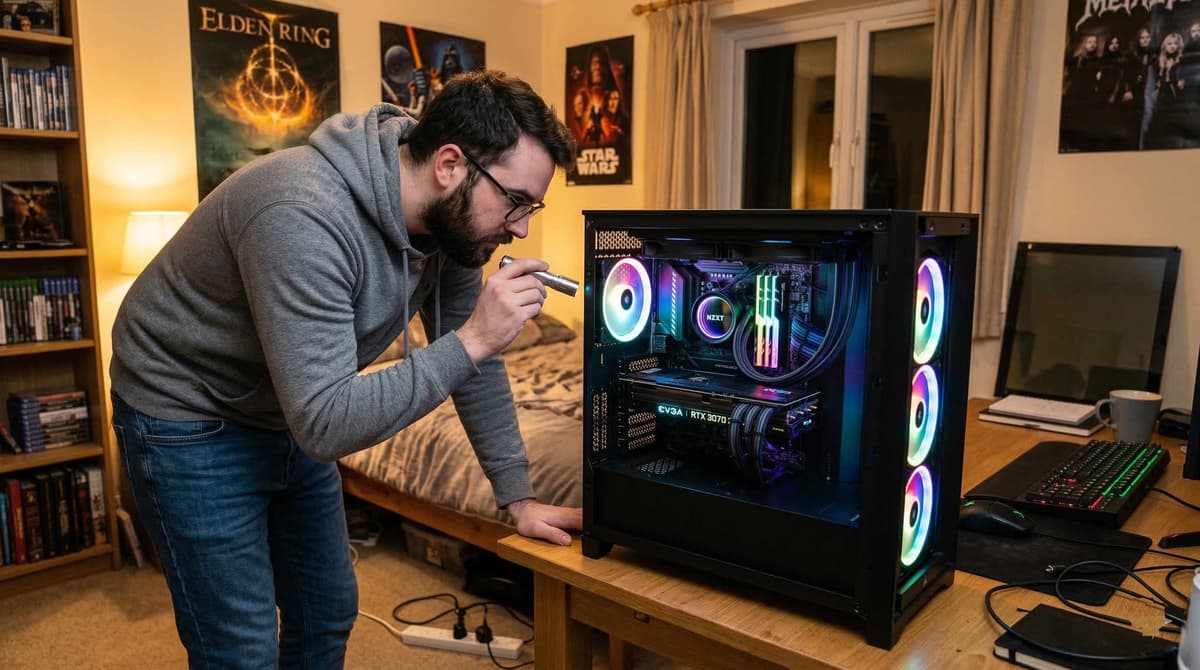
Has the system been cleaned regularly? When was the CPU thermal paste last replaced? A PC that's been running in a dusty room for three years without maintenance will have degraded thermal performance. Request a photo of the internals — you should be able to see clean fans and heatsinks. Heavy dust buildup signals neglect.
RAM: speed and configuration
Check the RAM speed (MHz) and whether it's running in dual-channel (two matched sticks) rather than single-channel. Single-channel RAM can cost you 10–20% gaming performance. Also verify the XMP/DOCP profile is enabled — many sellers leave RAM running at base JEDEC speeds.
Storage health
Ask for a CrystalDiskInfo screenshot for every drive. You're looking for "Good" health status and low power-on hours. SSDs have a limited write endurance (TBW) — check how much has been used. HDDs should show no reallocated sectors. If the seller can't provide storage health data, assume the worst.
Every component in use deserves a question. Don't skip the PSU.
Red flags to walk away from
In the UK second-hand market, certain patterns appear again and again in scam or low-quality listings. If you see any of these, move on — there are always other systems for sale.
"Selling for a friend" — The person posting has no accountability. If something goes wrong, "the friend" disappears and the poster claims ignorance.
No photos of internals — If the listing only shows the outside of the case (or worse, stock photos from a manufacturer), you have zero visibility on actual components. Always demand real, dated photos of the inside.
Stock photos or renders — Using promotional images from a brand website is an immediate disqualifier. You're buying a specific, physical machine — not a concept.
Won't do a live demo or video call — A seller unwilling to boot the system on camera is hiding something. A five-minute video call showing the PC booting into Windows and running a quick benchmark costs nothing and proves everything.
Price too good to be true — A Ryzen 7 5800X + RTX 3080 build for £350? That's not a bargain — it's bait. Check our pricing tiers below to calibrate your expectations.
Unlisted or no-name PSU — If the seller says "I don't know the PSU brand" or the spec sheet just says "500W PSU", assume it's a liability. Cheap PSUs cause more dead systems than any other component.
Mixed-generation parts sold as "upgraded" — A 6th-gen Intel chip with a modern GPU isn't an upgrade — it's a bottleneck. Sellers use words like "upgraded" to justify inflated pricing on fundamentally imbalanced systems.
For a deeper dive into spotting scams, read our dedicated guide: How to avoid scams buying used PC parts online.
Where to buy used gaming PCs in the UK
Not all platforms are equal when it comes to complete systems. Here's how the main UK options compare for buying a used gaming PC specifically. For a broader platform comparison, see our Koukan vs eBay vs Facebook Marketplace breakdown — and if you're exploring all your options, check out the best eBay alternatives for used PC parts in the UK.
Koukan
Purpose-built for UK PC hardware. Sellers are required to provide detailed specs and photos. The community is knowledgeable and focused — you're far less likely to encounter vague listings or non-tech-savvy flippers. Buyer protection through the platform's payment system adds a layer of safety that peer-to-peer platforms lack.
eBay UK
Largest selection, strong buyer protection through the Money Back Guarantee. Downsides: fees push up prices, and the volume means you'll wade through poorly-described listings. Auction format can lead to overpaying in bidding wars. Postal delivery of full PCs also carries significant damage risk.
Facebook Marketplace
Best for local collection, which is ideal for PCs (no shipping damage). No seller fees means prices can be lower. However, there's essentially no buyer protection, listing quality varies wildly, and scams are common. Always meet in a public place and test the system before paying cash.
Gumtree
Similar to Facebook Marketplace — local, no fees, no protection. Declining user base in 2026, so selection is thinner. Still worth checking for local deals, but apply the same caution. Never agree to bank transfer before testing.
CEX
High-street option with a 24-month warranty on used items. Prices are fixed and often higher than private sales, but you get legal consumer protection and the ability to return in-store. They do sell complete systems, though stock is unpredictable. Worth checking for peace of mind, even if it costs more.
How much should a used gaming PC cost in the UK? (2026 prices)
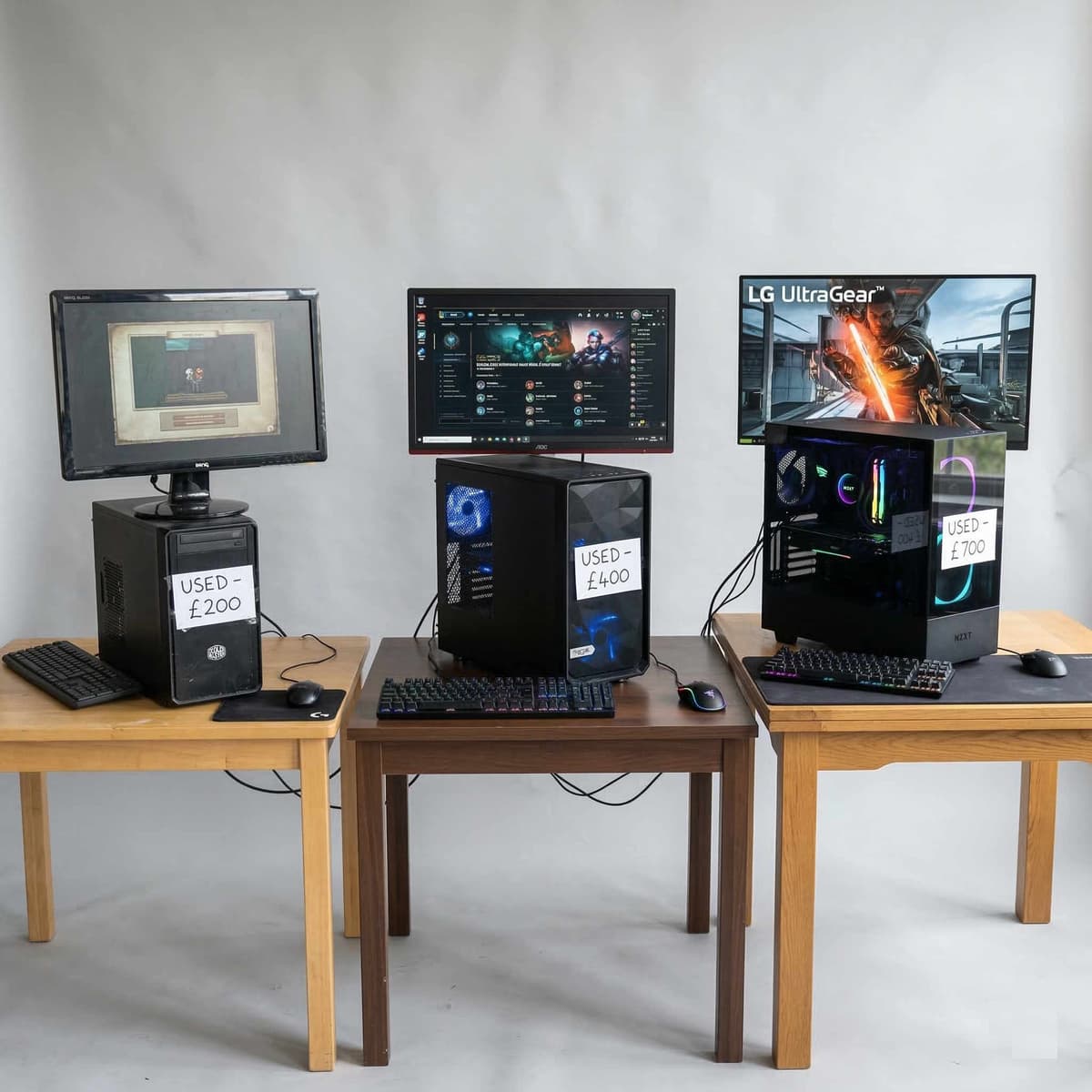
These are realistic UK pricing tiers based on completed sales across Koukan, eBay, and community forums in early 2026. Asking prices are often higher — focus on what systems actually sell for. These ranges assume a complete system with case, PSU, storage, and Windows installed.
Prices based on completed UK sales — not inflated asking prices.
Entry 1080p Gaming
£300 – £400Typical spec: Ryzen 5 3600 + RTX 3060 (or equivalent), 16 GB DDR4, 500 GB SSD. Solid for 1080p 60fps on medium–high settings in most modern titles. A sensible first gaming PC.
Mid-range 1440p Gaming
£450 – £600Typical spec: Ryzen 5 5600X + RTX 3070 (or equivalent), 16 GB DDR4, 1 TB NVMe SSD. The sweet spot for most UK gamers — comfortable 1440p 60fps on high settings, or 1080p 144fps for competitive titles.
High-end 1440p / Entry 4K
£600 – £800Typical spec: Ryzen 7 5800X + RTX 3080 (or equivalent), 32 GB DDR4, 1 TB NVMe SSD. Handles 1440p ultra comfortably, and many 4K titles at medium–high settings. Great for content creation too.
Enthusiast 4K Gaming
£900 – £1,200Typical spec: i7-13700K + RTX 4080 (or equivalent), 32 GB DDR5, 2 TB NVMe SSD. Top-tier used builds for 4K high-refresh gaming and professional workloads. At this price point, inspect everything — the savings versus new are smaller, so the system must be immaculate.
Pro tip: Cross-reference component values individually. Use our GPU value guide and best GPU/CPU combinations to check whether the system's parts add up. If the total component value is significantly below the asking price, you're paying a convenience tax — and you should make sure the seller's build quality justifies it.
Testing a used gaming PC when it arrives
The system is in your hands. Before you consider the purchase final, run this test sequence. It takes roughly 60–90 minutes and can save you hundreds in hidden repair costs. Experts in the UK second-hand PC community consistently recommend running these checks before providing positive feedback or closing a dispute window.
Visual inspection
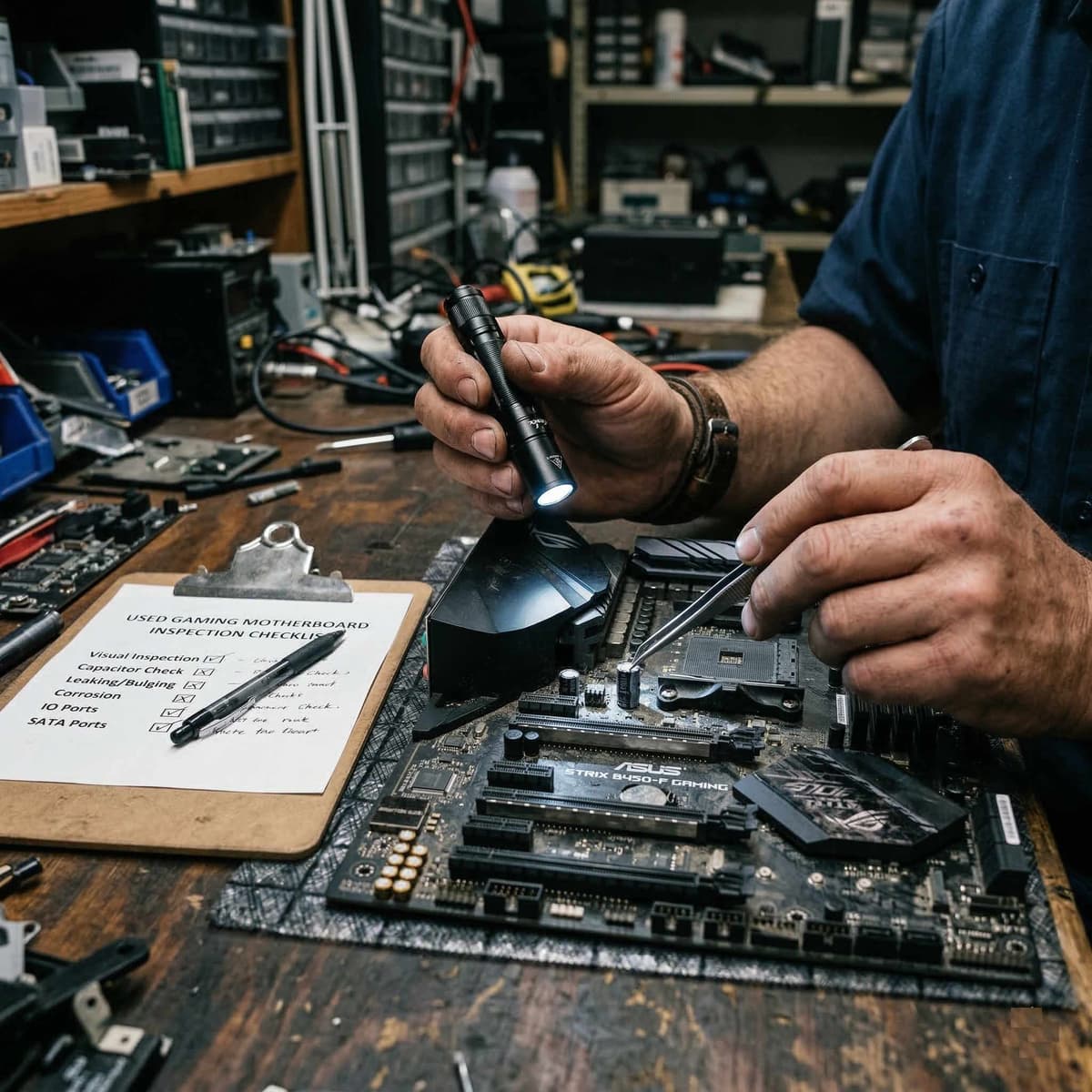
Before powering on, open the side panel. Check for shipping damage, loose cables, unseated RAM, or a GPU that's shifted in its slot during transit. Look for signs of liquid damage or corrosion on the motherboard.
CPU stress test — Cinebench R23
Run a 10-minute multi-core test. Watch temperatures in HWMonitor or HWiNFO64. Under sustained load, a well-cooled system should stay below 85°C. If it hits 95°C+ or throttles, the cooling is inadequate or thermal paste has degraded.
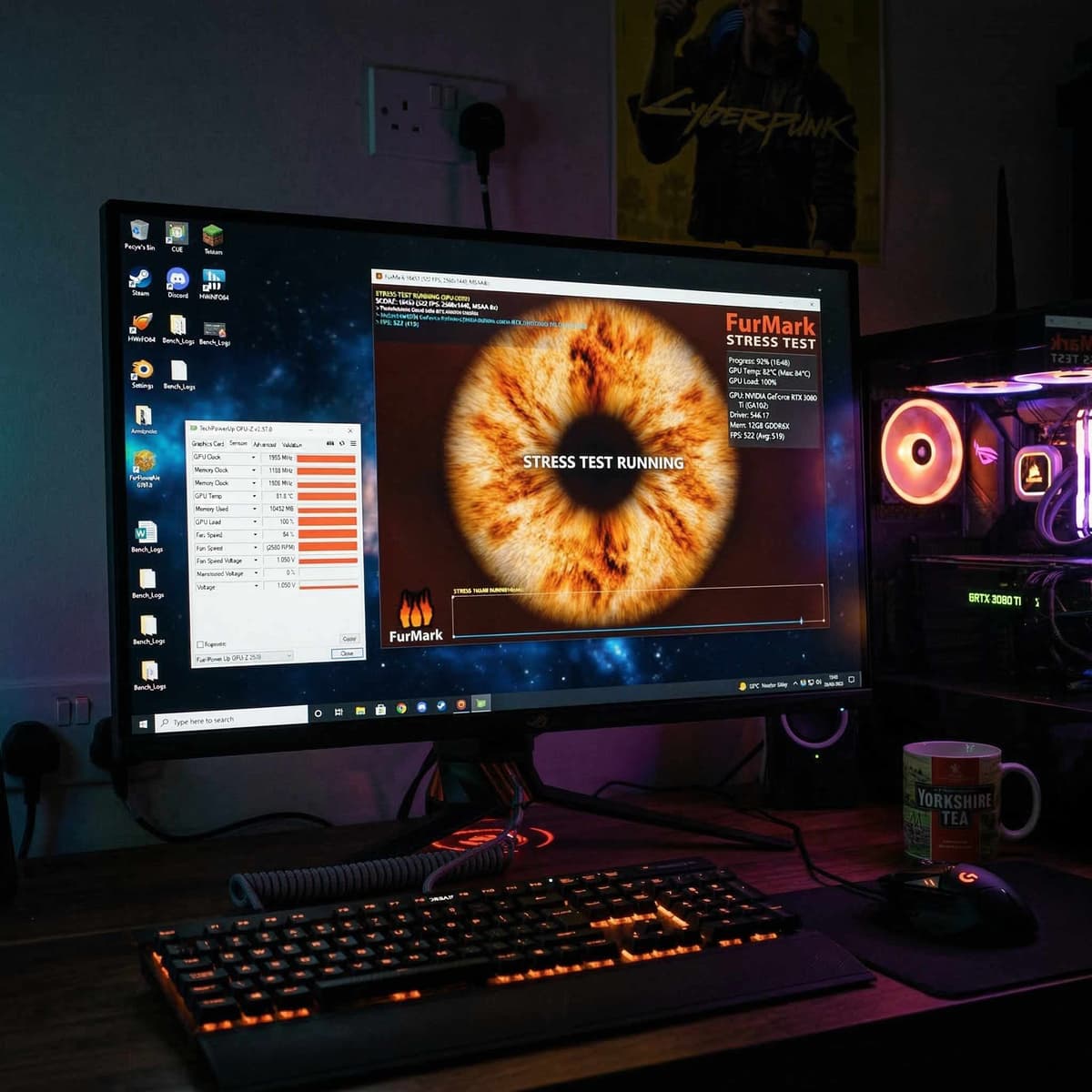
GPU stress test — 3DMark Time Spy
Run the full benchmark. Check for visual artefacts (flickering, coloured squares, distortion) during the test. Monitor GPU temperature — it should stay below 85°C with the fans spinning audibly but not grinding.
Memory test — MemTest86
Boot from a USB drive and run at least one full pass. This takes 30–60 minutes depending on RAM capacity. Any errors at all mean the RAM is faulty — no exceptions.
Storage verification — CrystalDiskInfo
Check health status for every drive. Compare power-on hours and written data against what the seller claimed. An SSD at 90% life used is very different from one at 40%.
Port and connectivity test
Plug something into every USB port (front and rear). Test audio output. Connect to Wi-Fi and Ethernet if available. Test all display outputs on the GPU. Non-functional ports suggest motherboard issues.
Wi-Fi and Bluetooth check
If the system includes a Wi-Fi card or onboard wireless, test connection speed and stability. Weak signal might just be antenna positioning, but a dead Wi-Fi module is another cost.
If you want deeper detail on testing individual GPUs, see our how to test a used GPU in the UK guide. For insights on whether used GPUs are still worth the investment, read are used GPUs worth buying in 2026?
Sixty minutes of testing beats sixty days of regret.
Frequently asked questions
Is it worth buying a used gaming PC?
Yes — if you buy carefully. A used gaming PC can deliver 30–50% savings compared to buying the same spec new. The key is thorough verification: ask for proof screenshots, check every component's health, and run stress tests on arrival. Platforms with buyer protection (like Koukan or eBay) add an extra safety net. The biggest risk is undisclosed wear on components like the PSU and storage drives, which is why this guide exists.
What's a fair price for a used gaming PC in the UK?
In early 2026, a solid 1080p gaming PC (Ryzen 5 3600 + RTX 3060) typically sells for £300–£400. A capable 1440p system (Ryzen 5 5600X + RTX 3070) goes for £450–£600. High-end 4K-capable builds (RTX 3080 or RTX 4080 tier) range from £600–£1,200 depending on the CPU and storage. Always compare against individual component prices to ensure you're not overpaying for the convenience of a pre-built system.
Should I buy a used PC or build one from parts?
It depends on your confidence and time. Buying a complete used PC is faster and lower-effort, but you're trusting one seller for every component. Building from individually-sourced used parts gives you more control and often better value, but requires assembly skills and more time spent verifying multiple sellers. If you're comfortable building, start with our guide on which parts are safe to buy used. If you'd rather get a working system quickly, use the checklist above to vet complete builds.
What specs do I need for 1440p gaming in 2026?
For comfortable 1440p gaming at high settings in 2026, you want a minimum of an RTX 3070 (or RX 6800) GPU, a Ryzen 5 5600X (or i5-12400) CPU, 16 GB of DDR4 RAM running in dual channel, and an NVMe SSD for your boot drive. This combination handles most modern titles at 60fps+ on high settings. For competitive titles at 144fps, step up to an RTX 3080 or better. Check our best GPU/CPU combinations guide for detailed pairing advice.
Advertisement