Buy Used GPUs in the UK: Safe Buying Guide for Gamers
Advertisement
If you’re a gamer trying to stretch your budget, a used GPU is often the best performance-per-pound upgrade you can buy in the UK. The catch: graphics cards are also where wear, abuse, and scams concentrate.
This guide is built to be practical. You’ll get a fast checklist, what proof to request, how to spot risky listings, and what to test as soon as the card arrives. For the broader component picture, start with our pillar guide: How to buy used PC parts safely in the UK. If you’re shopping for a full system instead, use: Buying a second-hand PC in the UK: what to check.
The 12-point used GPU checklist (UK buyers)
If you want one “do this, don’t die” list, it’s this. It’s designed for UK courier deliveries and in-person collection.
- Confirm the exact model (including VRAM variant) in writing.
- Ask for clear photos of the front, back, and PCIe connector.
- Request a benchmark screenshot with temps + clock speeds visible.
- Ask whether it was used for gaming, workstation, or 24/7 load.
- Confirm the card has not been opened or repaired (repaste is okay; board repair is not).
- Avoid listings that insist on off-platform payments or rushed bank transfer.
- Check the seller’s history: recent high-value listings + new account is a warning.
- For collection: ask to see it run a short load test for 5–10 minutes.
- Confirm what’s included: box, anti-static bag, adapter cables, proof of purchase (if available).
- Compare price to typical UK sold prices (not “asking” prices).
- On arrival: inspect for shipping damage before you even install it.
- First boot: test stability under load before you rely on it for gaming.
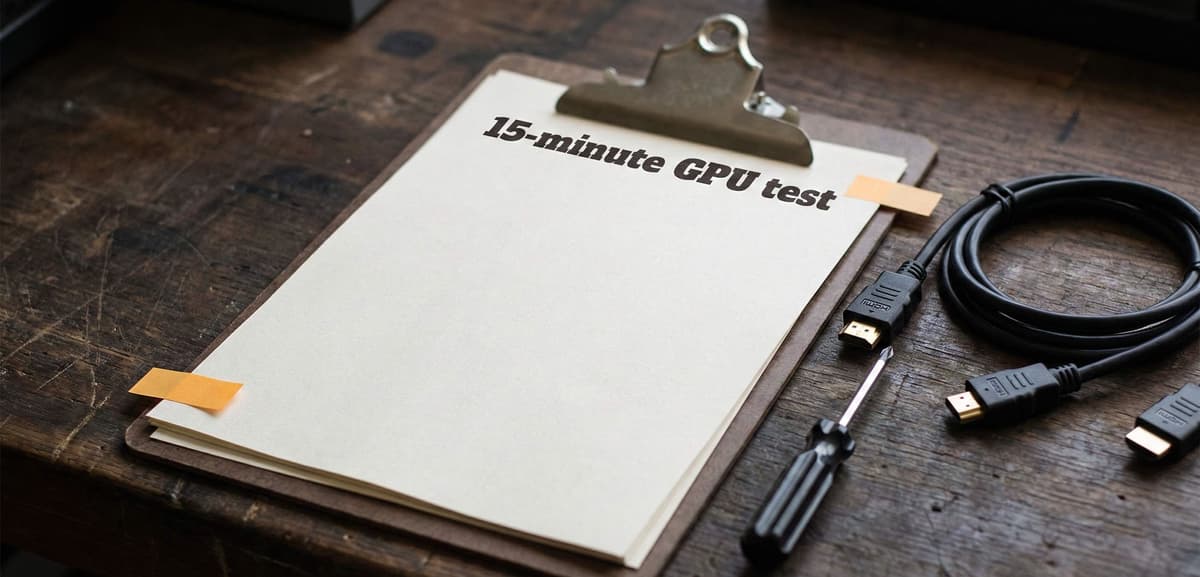
A simple checklist turns a risky listing into a measured decision.
Proof to request (so “works perfectly” means something)
A good seller won’t mind sharing basic proof. You’re not asking for a lab report—you’re asking for evidence that the card is stable and cooling properly.
Ask for one screenshot (minimum)
- A benchmark or stress test result with GPU temperature visible.
- A monitoring panel showing core clock, fan speed, and power draw.
- A photo showing the screenshot is from their system (not a random image online): e.g. the monitor plus the physical PC in frame.
Ask for a 20–30 second video (best)
- A short clip showing the PC booting and starting a quick GPU load.
- A pan over the card so you can see fans spinning and hear unusual grinding.
Copy/paste message: Hi! Can you confirm the exact GPU model and VRAM? Could you share clear photos (front/back/PCIe connector) and a screenshot of a benchmark with temps and clocks visible? Also: has it been used 24/7 or mined on, and has it ever been opened or repaired? Thanks.
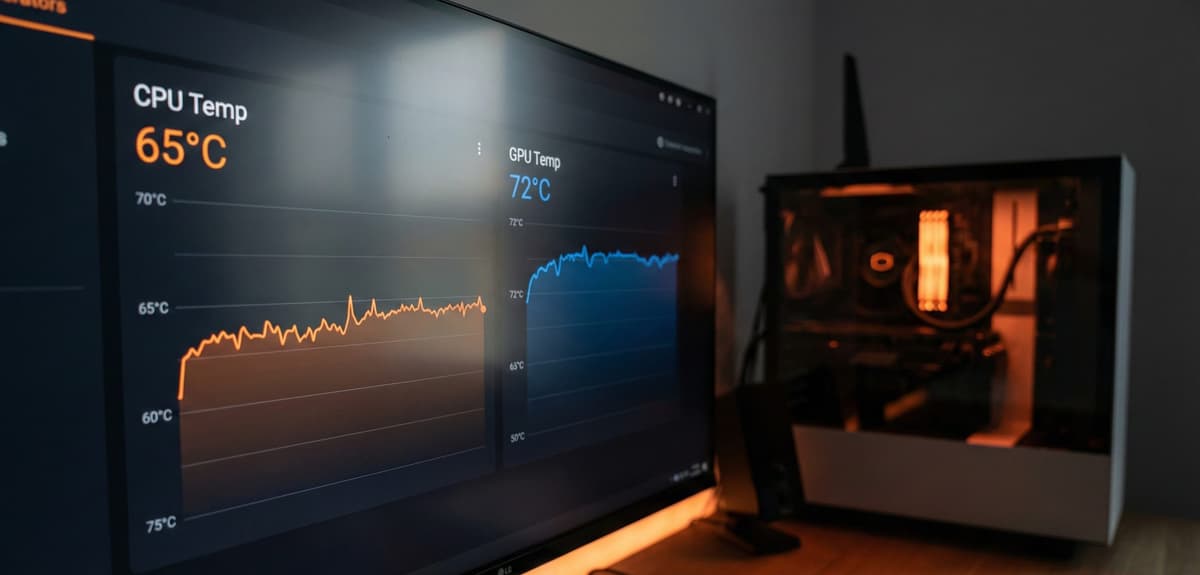
Ask for proof that ties the screenshot to the exact card.
Common used GPU red flags (especially in the UK)
- Stock photos or photos reused across multiple listings.
- A price that’s far below typical UK sold values with no believable reason.
- “No returns” + refuses any proof of testing.
- Pushes you onto another app, or insists on bank transfer to a stranger.
- Vague model naming (e.g. only “gaming GPU” or “8GB graphics card”) instead of the exact SKU.
- Listing avoids showing the PCIe connector edge or the back of the PCB.
A simple rule: if the seller won’t give you clear photos and basic proof, treat it as a non-starter. There will always be another listing.
“Was it mined on?” — how to think about it
In the UK used market, you’ll see “never mined” everywhere—even when it’s impossible to verify. Mining history isn’t automatically a deal-breaker, but it changes what you should check.
What matters
- Thermals: does it hold reasonable temperatures under load without fan screaming?
- Stability: no black screens, driver crashes, or artifacting under sustained load.
- Physical condition: clean fins, intact fan blades, no corrosion, no missing screws.
What doesn’t matter as much as people think
- A little dust (normal). You’re looking for damage, residue, or obvious abuse.
- The seller’s story. Proof beats narrative.
What to test when the GPU arrives (fast, gamer-focused)
Do these checks early—before you throw away packaging or mark the purchase as “all good”.
Before installing
- Inspect the PCIe connector for scratches, burns, or missing components.
- Check the fans spin freely and don’t scrape.
- Look for bent bracket metal and damaged display ports.
After installing (first boot)
- Confirm it’s detected correctly and reports the expected VRAM.
- Run a short load test and watch for artifacting (sparkles, checkerboards, flashing shapes).
- Watch temperatures: sudden jumps or instant throttling can signal cooling issues.
One real-world test
Launch a game you know well and play for 15–20 minutes. The goal is not the highest score—it’s stability: no crashes, no weird flicker, and no sudden performance collapse.
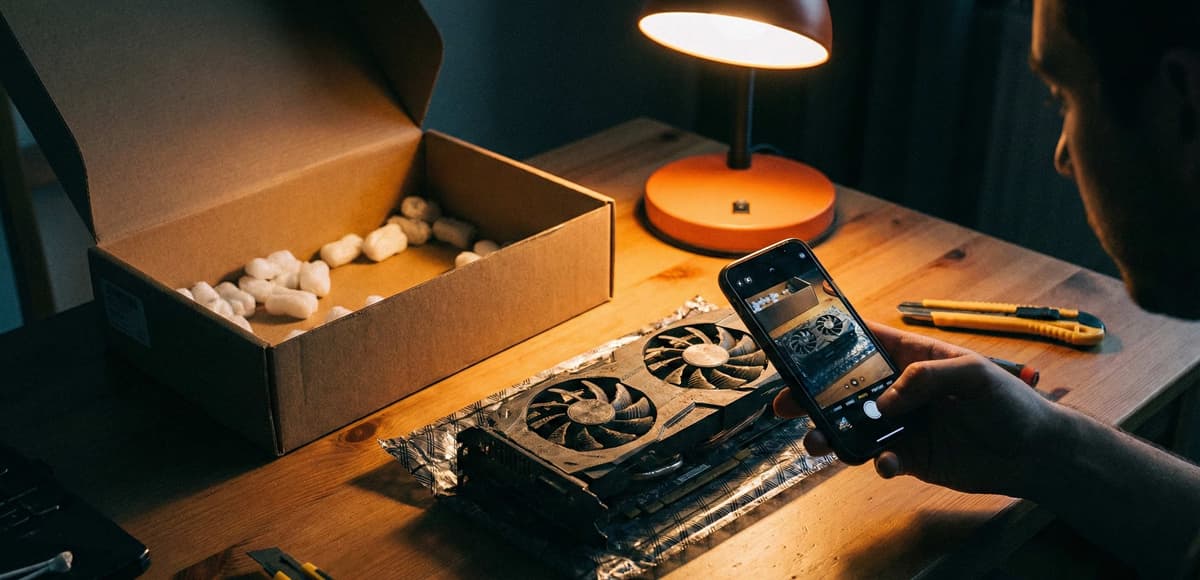
Treat arrival like an inspection window: document first, test second.
Where to buy used GPUs in the UK (and how to pay safely)
General marketplaces can work, but the buyer has to do more verification. Component-focused marketplaces are usually calmer and clearer.
General marketplaces
- Pros: lots of listings, fast local deals.
- Cons: inconsistent listing quality; more pressure to pay quickly; more “mystery history”.
Component-focused marketplaces
If you want to reduce risk, prefer platforms built around PC parts where listings are expected to include the details gamers care about: exact model, condition, and proof.
FAQs
Is it safe to buy a used GPU in the UK?
Yes—if you verify the exact model, request proof of testing, and avoid off-platform payments. Most problems are preventable with clear photos, a benchmark screenshot, and basic arrival tests.
What’s the biggest red flag when buying a used graphics card?
A seller refusing any proof while pushing you to pay quickly. If you can’t get clear photos and a simple benchmark result, walk away.
How do I test a used GPU quickly?
Inspect it physically, confirm it’s detected correctly, then run a short load test and watch for crashes, artifacting, and abnormal temperatures. Finish with a 15–20 minute gaming session for real-world stability.
Are mined GPUs always bad?
Not always. What matters is current condition: cooling performance, stability under load, and physical integrity. Proof beats claims.
Final thoughts: buy with proof, not hope
A used GPU can transform a gaming PC, but only if it’s stable and cooling properly. Use the checklist, ask for proof, and test quickly on arrival. If anything feels rushed or evasive, skip it—another deal will show up.
Want the broader UK playbook for second-hand components? Start here: buy used PC parts safely in the UK.
Extra UK tip (collection vs delivery)
If you can collect locally, you can reduce risk by seeing the card under load before paying. If you need delivery, insist on good packaging and proof of testing, and do your arrival tests immediately.
Advertisement