RTX 3060 vs RX 6600: Which Budget GPU to Buy Used in 2026?
Advertisement
Used Market TL;DR: The Quick Verdict
In 2026, budget PC building is all about maximizing your value on the used market. Under £150, your choices boil down to AMD's efficiency champion and NVIDIA's VRAM powerhouse. If you want the absolute cheapest entry into modern 1080p gaming, the AMD Radeon RX 6600 8GB is the undisputed champion at around £100–£120. However, if you can stretch to £135–£150, the NVIDIA GeForce RTX 3060 12GB is the superior investment due to its generous VRAM buffer, better upscaling (DLSS 2), and stronger productivity capabilities.
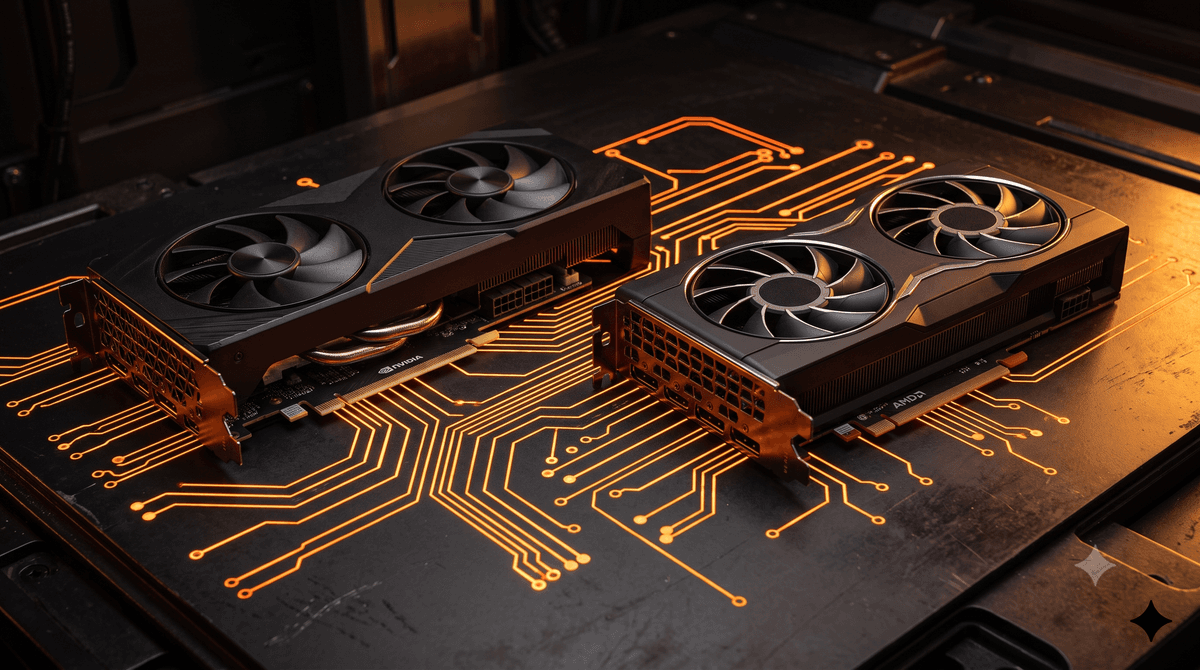
Finding the sweet spot in PC gaming hardware has become increasingly difficult as retail manufacturers focus on high-margin, high-end silicon. In 2026, the retail budget segment is flooded with underwhelming or overpriced entry-level offerings. Consequently, tactical UK PC builders are turning to the thriving secondary market. Among the most popular contenders under £150 are two classics from the previous generations: the NVIDIA GeForce RTX 3060 12GB and the AMD Radeon RX 6600 8GB.
This detailed guide is designed for UK-based hardware enthusiasts, budget gamers, and system builders trying to decide between these two components. We will dissect their technical architectures, run them through modern 2026 game titles, analyze the VRAM requirements of today's games, and break down the economics of acquiring them on the UK used market.
Architectural Head-to-Head
To understand how these graphics cards perform, we must first look at the silicon under the shroud. NVIDIA and AMD took radically different approaches when designing these cards. NVIDIA leaned heavily into high memory capacity and advanced feature sets, while AMD prioritized raw efficiency and compact, cost-effective silicon.
| Specification | NVIDIA RTX 3060 | AMD RX 6600 |
|---|---|---|
| Architecture | Ampere (GA106) | RDNA 2 (Navi 23) |
| Core Count | 3584 CUDA Cores | 1792 Stream Processors |
| Base / Boost Clock | 1320 / 1777 MHz | 1626 / 2491 MHz |
| VRAM Capacity | 12GB GDDR6 | 8GB GDDR6 |
| Memory Bus Width | 192-bit | 128-bit |
| Memory Bandwidth | 360 GB/s | 224 GB/s (+ 32MB Infinity Cache) |
| PCIe Interface | PCIe 4.0 x16 | PCIe 4.0 x8 |
| TDP (Rated Power) | 170W | 132W |
| Est. Used UK Price | £130–£150 | £100–£120 |
The most glaring difference is the memory subsystem. NVIDIA equipped the RTX 3060 with a 12GB frame buffer on a 192-bit bus, providing a healthy 360 GB/s of bandwidth. Meanwhile, AMD opted for an 8GB configuration on a narrower 128-bit bus. To compensate for the lower native bandwidth, AMD introduced 32MB of high-speed "Infinity Cache" directly on the GPU die. While this works beautifully at 1080p, it acts as a bottleneck when scaling up to higher resolutions or when the 8GB buffer overflows.
Gaming Benchmarks: 1080p & 1440p
We compiled performance data across a selection of popular modern games. Tests were conducted using an AMD Ryzen 7 5700X3D CPU and 32GB of DDR4 memory, representing a very common and sensible pairing for graphics cards in this class.
1080p Benchmarks: High & Ultra Settings
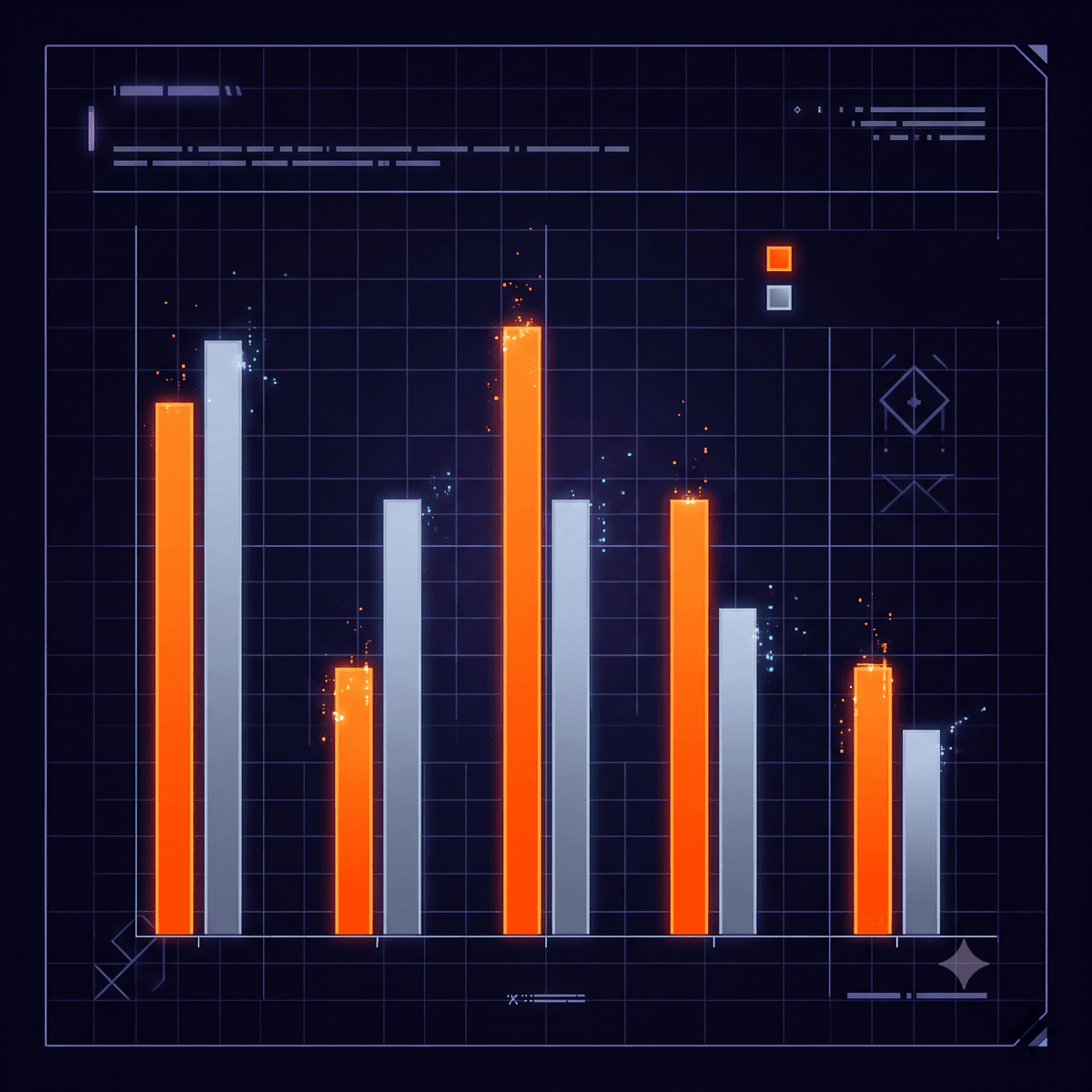
At 1080p, both of these cards deliver smooth, highly playable experiences. In pure rasterization titles, they trade blows constantly.
Average 1080p FPS — Native High/Ultra (No Upscaling unless noted)
In rasterization-heavy esports titles like Counter-Strike 2, the performance difference is imperceptible. Similarly, in highly optimized titles like Forza Horizon 5, AMD's RDNA 2 architecture shines, actually beating the RTX 3060 by about 5%.
However, in modern, heavy AAA titles like Hogwarts Legacy and Alan Wake 2, the RTX 3060 begins to pull ahead. This is not just a matter of average frame rates; the 1% low frame rates on the RX 6600 are significantly lower in games that require substantial memory allocation.
1440p Benchmarks: High & Medium Settings
While both cards are primarily targeted at 1080p gaming, many users will pair them with budget 1440p monitors. Here, the architectural differences become much more pronounced.
Average 1440p FPS — Optimized Settings
At 1440p, the RX 6600's narrow 128-bit memory bus and smaller VRAM buffer begin to act as a significant bottleneck. In Hogwarts Legacy, dropping the resolution to 1440p on the RX 6600 requires lowering textures to Medium to avoid severe stuttering, whereas the RTX 3060 can hold High textures thanks to its 12GB frame buffer.
The VRAM Battle: 12GB vs 8GB in 2026
In the past, critics argued that a card of the RTX 3060's performance tier didn't need 12GB of VRAM. However, in 2026, time has vindicated this design choice. Modern games are built with the current generation of consoles (PS5 and Xbox Series X) as a baseline, both of which feature 16GB of shared memory. Consequently, PC ports are designed with high texture budgets that easily overrun 8GB.
2026 VRAM Allocation Analysis
AMD RX 6600 (8GB)
- Modern AAA Settings Limit1080p High / Med Textures
- VRAM Overflow RiskHIGH
Exceeding 8GB allocation results in sudden frame-time spikes (micro-stuttering) or low-resolution textures failing to load.
NVIDIA RTX 3060 (12GB)
- Modern AAA Settings Limit1080p/1440p Ultra Textures
- VRAM Overflow RiskNEGLIGIBLE
The 12GB frame buffer allows running maximum texture quality settings without bottlenecking the system memory.
While the RX 6600 possesses a similar amount of compute power, its 8GB VRAM buffer acts as a hard limit. In newer titles, having to drop texture resolution from Ultra or High down to Medium or Low is increasingly common to keep the frame rate smooth.
This gives the RTX 3060 12GB a major advantage in longevity. Even if the Ampere chip runs out of processing power to render native 60 FPS, you can rely on DLSS upscaling to boost performance while keeping the texture quality set to High or Ultra. On the RX 6600, upscaling will reduce compute load, but it cannot solve a physical memory bottleneck.
Upscaling, Features, and Ray Tracing
In modern gaming, a graphics card is more than just raw silicon; the software features and ecosystem are just as important. The comparison here divides cleanly along software support.
NVIDIA DLSS vs AMD FSR
Because these are budget graphics cards, you will frequently rely on spatial reconstruction/upscaling techniques to achieve playable frame rates in heavy games.
NVIDIA DLSS 2 (Deep Learning Super Sampling)
DLSS uses dedicated hardware Tensor cores to reconstruct images from lower resolutions. At 1080p, upscaling from a 720p render scale (DLSS Quality) looks significantly sharper, cleaner, and more stable than AMD's FSR equivalent. It handles thin lines, foliage, and text with minimal ghosting.
AMD FSR 3 & Fluid Motion Frames (AFMF)
FSR 3 uses software-based lanczos-filtering algorithms. While it is compatible with all cards (including NVIDIA), it has slightly more shimmering and soft edges at 1080p. However, AMD has democratized frame generation through FSR 3 and driver-level AFMF 2. This allows RX 6600 owners to toggle frame generation in virtually any DX11/DX12 title, which can make games feel smoother if the base frame rate is already above 40–50 FPS.
Advertisement
UK Used Market Economics
Let's look at the financial side of buying these cards in the UK in 2026. The depreciation curve for both graphics cards has flattened out completely. This means that if you buy a card now, you can likely sell it next year for a minimal loss.
Pricing Tiers (Used UK Market)
The typical price brackets on the used market look like this:
- RX 6600 8GB: £100–£120 (Standard models like PowerColor Fighter, MSI MECH, or Sapphire Pulse).
- RTX 3060 12GB: £130–£150 (Standard dual-fan models like MSI Ventus, Gigabyte WindForce, or Zotac Twin Edge). Premium three-fan models (ASUS ROG Strix) sometimes command a £10–£20 premium, which is generally not worth paying.
Acquisition Strategy & Safety in the UK
Buying second-hand computer hardware in the UK comes with several risks, such as receiving cards with failing fans, dried-out thermal paste, or mining-degraded silicon.
Escrow Marketplaces (Koukan)
Using a dedicated peer-to-peer enthusiast platform like Koukan is highly recommended. Because Koukan uses an escrow system, your payment is held safely until the card is delivered and verified. If the card arrives dead, damaged, or does not match the description (e.g. you receive an 8GB model instead of a 12GB one), you are protected.
Local Pickup Inspections
If buying via Facebook Marketplace or Gumtree, always ask the seller to demonstrate the card running a demanding benchmark (like 3DMark TimeSpy or Furmark) for at least 15 minutes. Note the maximum temperatures (anything above 83°C indicates dried-out thermal paste or poor cooler mounting). Avoid meeting in public car parks where you cannot test the hardware.
Refurbished Retail vs Private Sales
Buying from high-street trade-in shops like CeX offers a 24-month warranty, but they charge a premium (typically £160+ for a 3060 and £135+ for a 6600). Private marketplaces allow you to negotiate directly with enthusiasts, yielding savings of £25–£40, which can be reallocated to a better CPU or RAM upgrade.
Shipping and Logistics
If you are selling your old card to fund this upgrade or buying a card shipped across the UK, keep these shipping standards in mind:
- Royal Mail Special Delivery: Costs approximately £11.50–£13.50 depending on weight. This service guarantees next-day delivery by 1 PM and includes up to £750 default compensation (extendable to £2,500). This is the gold standard for shipping fragile computer components.
- Royal Mail Tracked 48: Costs around £4.50–£6.50. Good for budget items, but only covers up to £75 of value (reduced from £150 in October 2025), making Special Delivery recommended for all graphics cards.
- Packaging: Ensure the card is wrapped in an anti-static bag before being wrapped in bubble wrap. Place it in a sturdy cardboard box with at least 2 inches of packing material on all sides.
For more detailed guidance on used pricing and safe transaction methods in the UK, consult our comprehensive used PC parts price guide and our detailed walkthrough on how to buy a used graphics card safely in the UK.
Final Verdict: Which Should You Buy?
Both cards are excellent entries into PC gaming, but they serve different budgets and system configurations. Your choice should be guided by your specific priorities.
Choose RTX 3060 12GB If:
- You want to play modern AAA games with high-quality texture packs.
- You prefer superior upscaling quality (DLSS 2) over FSR.
- You run on an older PCIe 3.0 motherboard and need full x16 lane bandwidth.
- You do content creation, video editing (DaVinci Resolve), or local AI workloads (Stable Diffusion).
Choose RX 6600 8GB If:
- Your budget is strictly limited to around £100.
- You have a lower-capacity power supply (400W–450W) or a compact SFF build.
- You game primarily at 1080p and don't mind lowering settings to Medium in the newest titles.
- You want the absolute best raw rasterization performance per pound spent.
Ultimately, if you can afford the extra £20–£30 premium, the RTX 3060 12GB is the more future-proof buy. The 12GB of VRAM will prevent the card from becoming obsolete as texture demands continue to climb, and DLSS 2 remains the gold standard of image reconstruction. However, for tight budgets, the RX 6600 remains a fantastic value proposition that outclasses retail options like the RX 6400 or GTX 1650.
Frequently Asked Questions
Is the RTX 3060 vs RX 6600 used better for budget builds in 2026?
For budget builds, if your goal is the lowest possible cost, the RX 6600 is the better choice as it regularly sells for around £100–£120 used in the UK. However, if you can stretch your budget by £25, the RTX 3060 12GB offers significantly better long-term value due to its 12GB frame buffer which avoids texture bottlenecks in newer games.
Is 8GB VRAM enough for gaming in 2026?
For 1080p gaming at High or Medium settings, 8GB VRAM remains sufficient for most titles. However, newer AAA games released between 2024 and 2026 often require more than 8GB for Ultra settings, meaning 8GB cards like the RX 6600 will experience stuttering or texture loading issues unless texture quality is reduced.
Does the RX 6600 support DLSS?
No, DLSS is proprietary to NVIDIA hardware and requires Tensor cores. The RX 6600 must use AMD's FSR (FidelityFX Super Resolution) or Intel's XeSS for upscaling. While FSR works on the RX 6600, its image quality at 1080p is generally softer than DLSS on an NVIDIA card.
What size power supply is needed for the RTX 3060 and RX 6600?
The RX 6600 is extremely power-efficient with a 132W TDP and runs comfortably on a 450W power supply. The RTX 3060 has a 170W TDP and is best paired with a 500W or 550W power supply. Both typically require a single 8-pin PCIe power connector.
Related Resources
Shop verified used graphics cards on Koukan
Upgrade your setup with peace of mind. Koukan holds payments in escrow until you verify that your new card works perfectly.
Browse Graphics Cards on KoukanAdvertisement