The Ultimate Guide to Buying Used PC Parts in 2026

Advertisement
Building a PC with used parts isn't just about saving money—it's about smart resource allocation. A top-tier GPU from 2024 still crushes 99% of games today, but at 40% of the cost. Here is your tactical manual for navigating the second-hand hardware market safely.
The Koukan Safety Layer
Identity Verification
Look for the "Verified" badge. These sellers have submitted government ID. It's the single strongest filter against scammers.
Escrow Payments
Never pay via bank transfer. When you pay on Koukan, existing funds are held in escrow until the seller ships and you receive the item.
Condition Strictness
"Like New" means like new. If it arrives scratched, dusty, or missing cables, you can return it. We enforce these grades strictly.
Dispute Resolution
If something goes wrong, you talk to a real human at Koukan, not a bot. We mediate fairly based on evidence.
Component Inspection Checklist
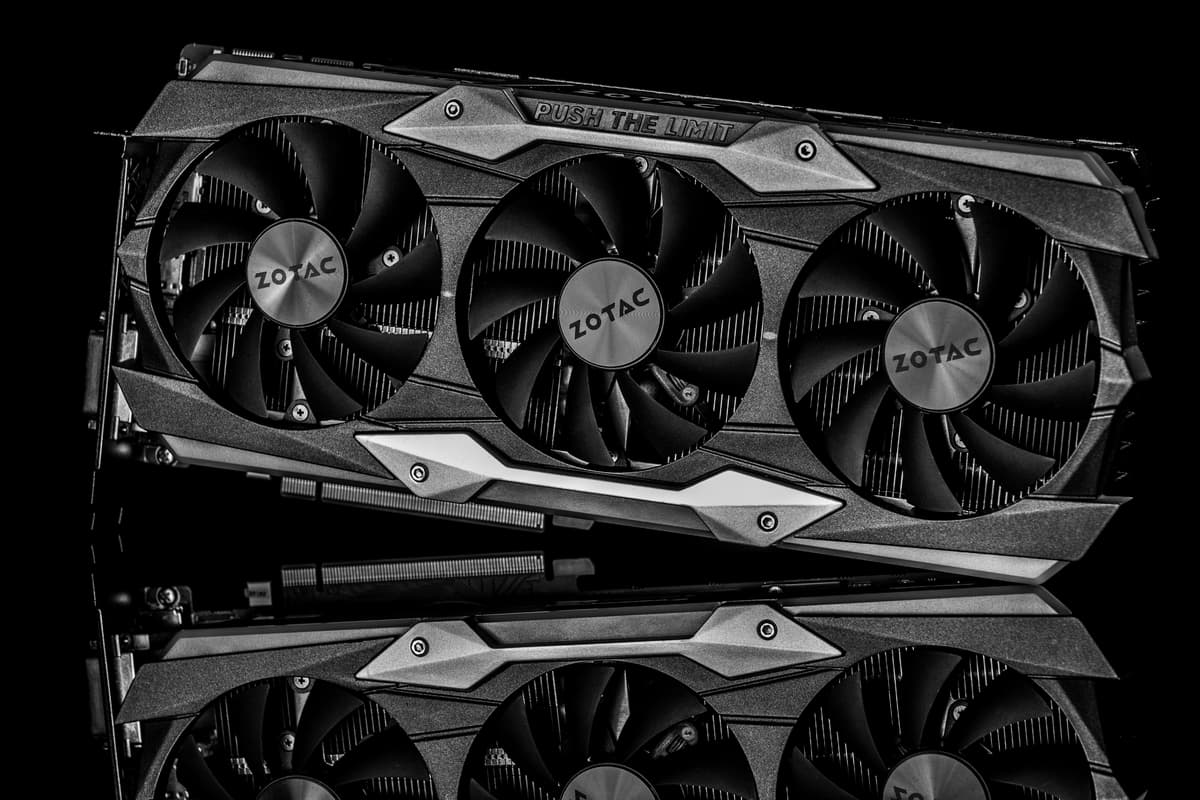
GPUs (Graphics Cards)
- Check the Fans: Ask if they spin freely without wobbling or grinding noises.
- Stress Test: Ask for a FurMark or 3DMark Time Spy score screenshot.
- Mining History: "Mined on" isn't a dealbreaker if undervolted, but check for corrosion on the IO bracket.
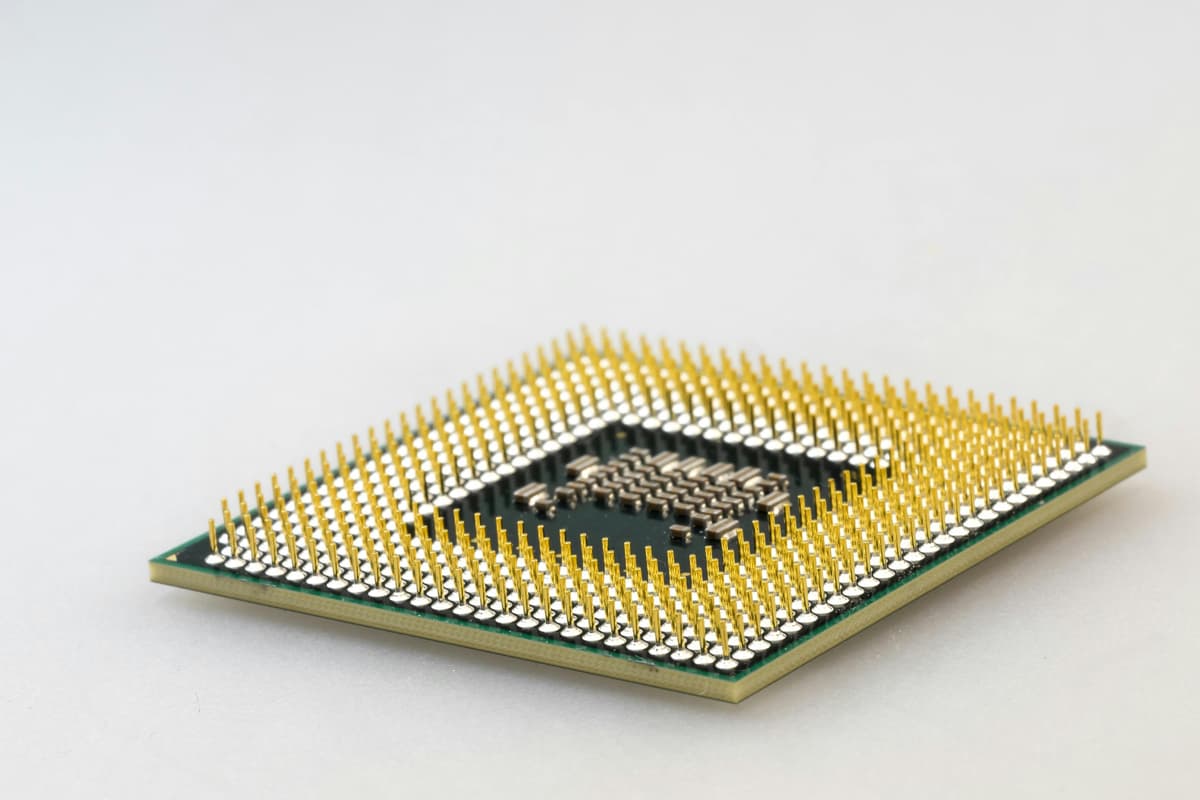
CPUs & Motherboards
- The Pins: For AM4/AM5 and Intel boards, ask for a high-res photo of the socket/pins. BENT PINS = DO NOT BUY.
- VRM Thermal Pads: Ensure they aren't dried out or leaking oil.
The "Unboxing" Protocol
When your package arrives, don't just tear it open. Protect yourself with this protocol.
- Record a Video: Film the entire unboxing process. Show the label, the sealed tape, and the opening. This is irrefutable proof if the box is empty.
- Physical Inspect: Before plugging it in, check for physical damage that wasn't disclosed.
- Test immediately: You have 48 hours to inspect. Install it, run a benchmark, let it get hot. Ensure it's stable.
Advertisement